> For the complete documentation index, see [llms.txt](https://docs.raga.ai/llms.txt). Markdown versions of documentation pages are available by appending `.md` to page URLs; this page is available as [Markdown](https://docs.raga.ai/ragaai-prism/sandbox-guide/tabular-data.md).
# Tabular Data
Evaluate models on tabular data. Detect drift, imbalance, and errors in structured predictions.
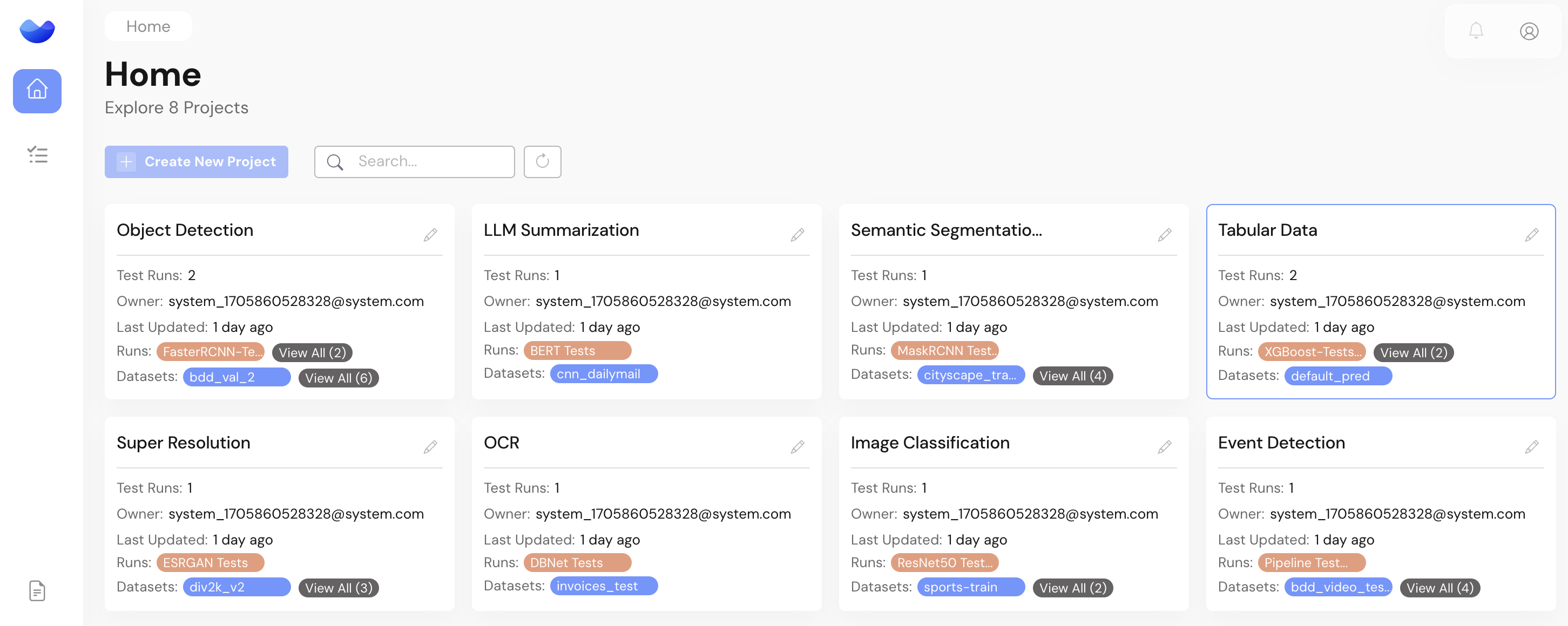
The Tabular Data Project on the sample workspace is an example of how the RagaAI Testing Platform can help with the following tasks -
* Data Quality Checks before training a new model
* Model Quality Checks to identify performance gaps and perform regression analysis
* End-to-end pipeline level tests beyond AI models
The RagaAI Testing Platform is designed to add science to the art of detection AI issues, performing root cause analysis and providing actionable recommendations. This is done as an automated suite of tests on the platform.
An overview of all tests for the sample project is available here -
1\. **Failure Mode Analysis**
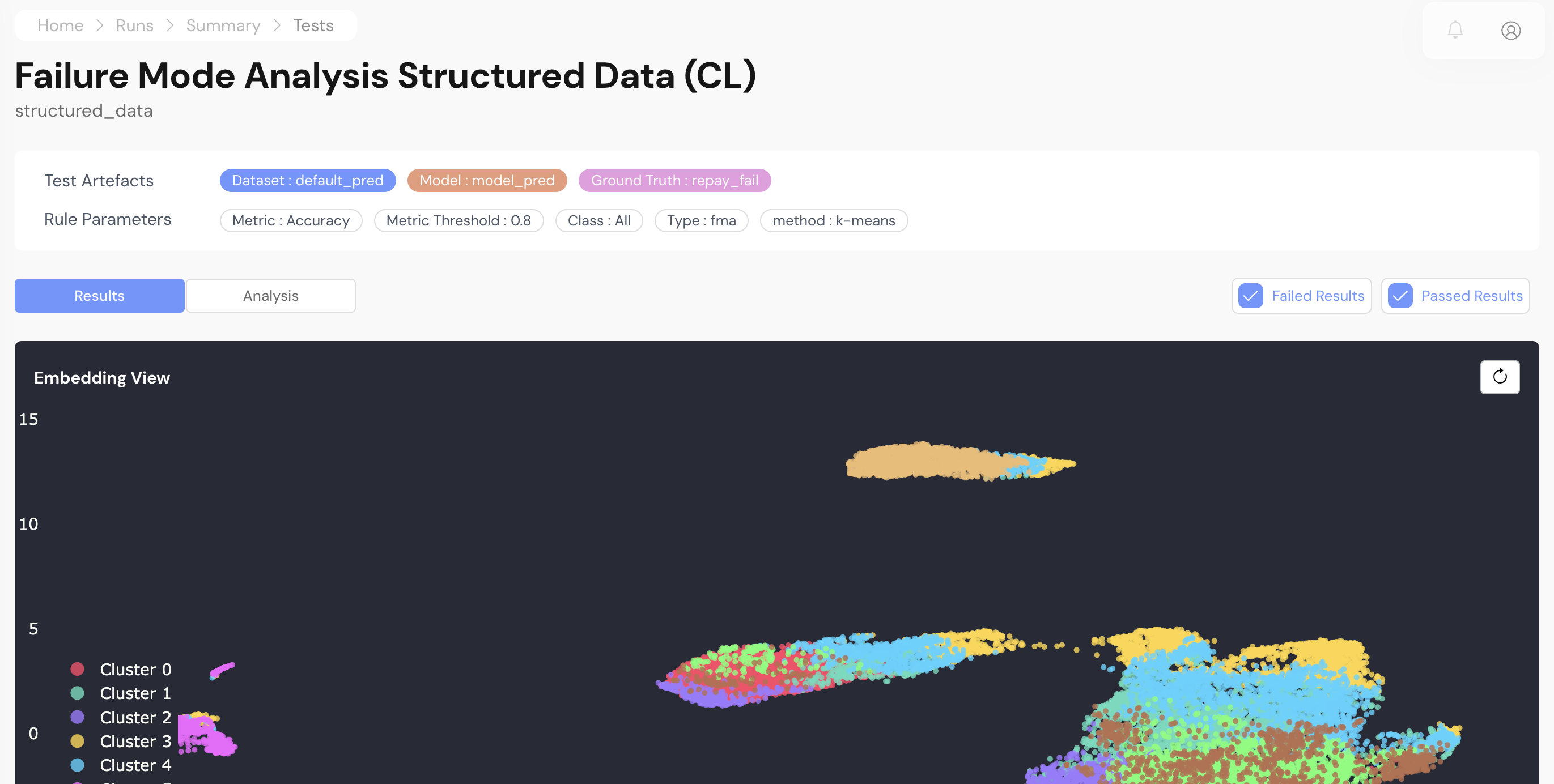
Detecting edge cases for structured data on the RagaAI Testing Platform
**Goal** - Identify specific image scenarios where the Default Prediction model underperforms, despite overall acceptable performance metrics.
**Methodology** - RagaAI automatically detections scenarios within the dataset and brings any model vulnerabilities on such scenarios to the fore
**Insight** - In this case, we see that the model struggles with specific datapoints in the dataset. Analysing the images within the failing cluster can reveal common characteristics that lead to misclassification. This helps understand the model's limitations and potential biases.
**Impact -** Early identification of failure modes allows for targeted interventions, such as collecting more data for the under-represented cluster to improve model training or fine-tuning the model with specific emphasis on the failing cluster.
For more details, please refer to the detailed [Failure Mode Analysis documentation](/ragaai-prism/test-inventory/tabular-data/failure-mode-analysis.md).